
You can now start a call with your contacts directly from monday.com through the phone column! 📞 This column is amazing if you are using monday.com as a CRM and need to reach out to your clients, suppliers or more.
How to add it?
To add it, click on the + icon located on the top right of your board and select "column center".
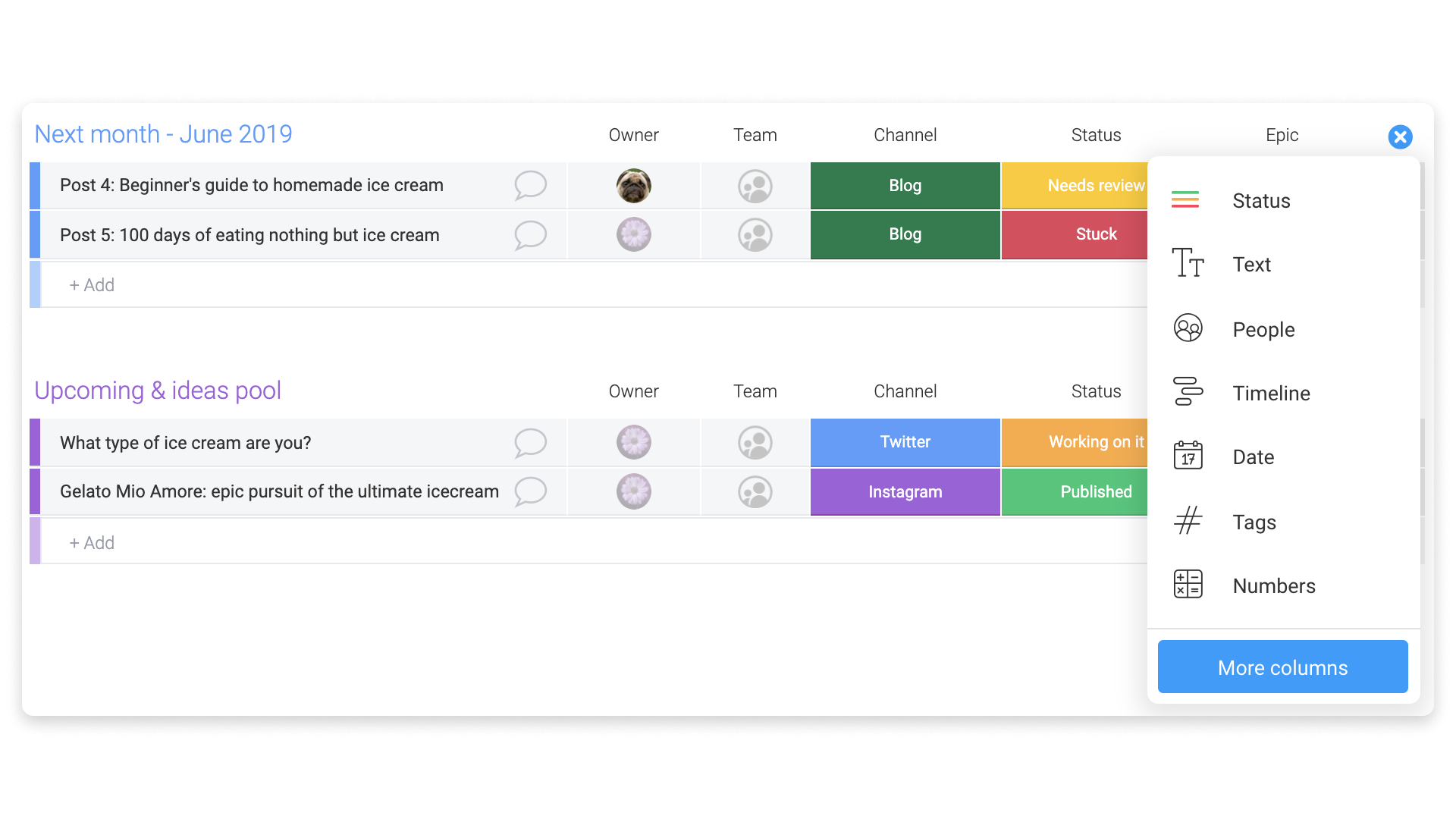
Once in the center, select the option "phone" as in the screenshot below:

How does it work?
Once added, click inside each cell to add the phone number and press enter. Then, click on the number itself and it will open the default app on your computer to dial this number.
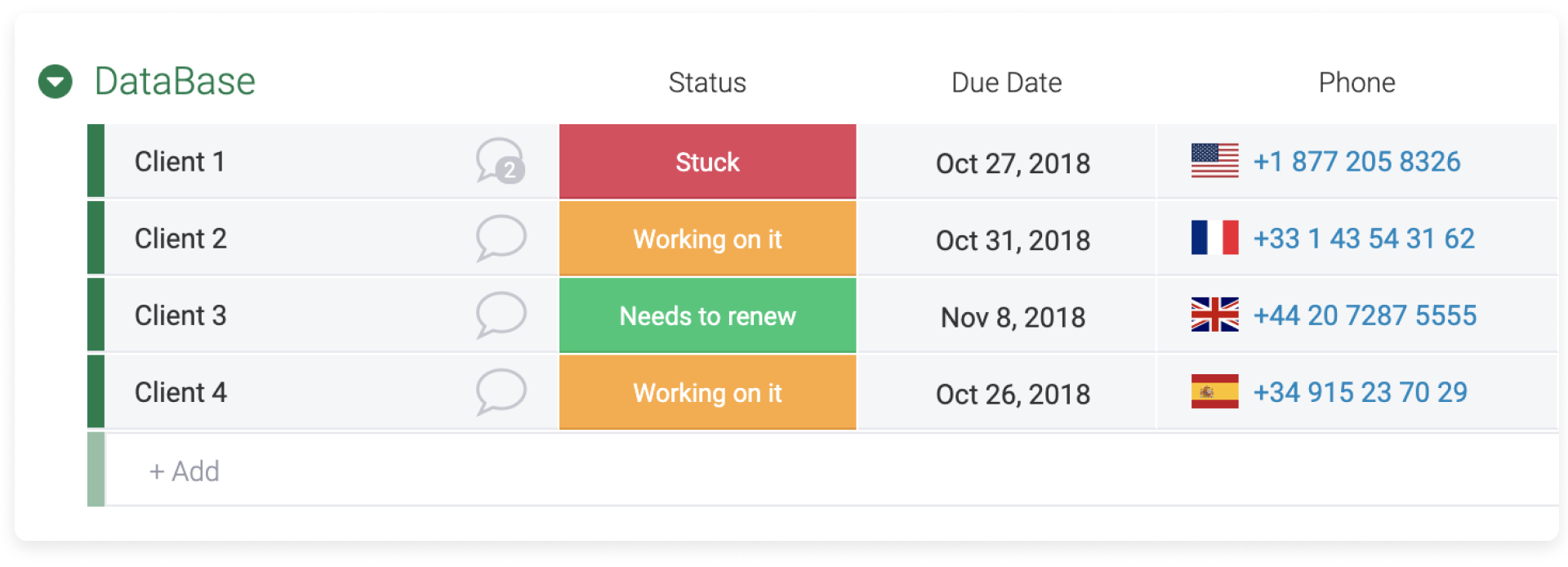

Note: Make sure to add the country code before the actual number.
If you have any further questions feel free to reach out to our customer success team at support@monday.com. We are here for you 24/7.
Comments
0 comments
Please sign in to leave a comment.